How to use this result
This planner is for the common problem where the room still feels awake even after the person has decided to go to bed. It turns a target sleep time into a sequence of light changes, screen boundaries and the original Drift-style fade window.
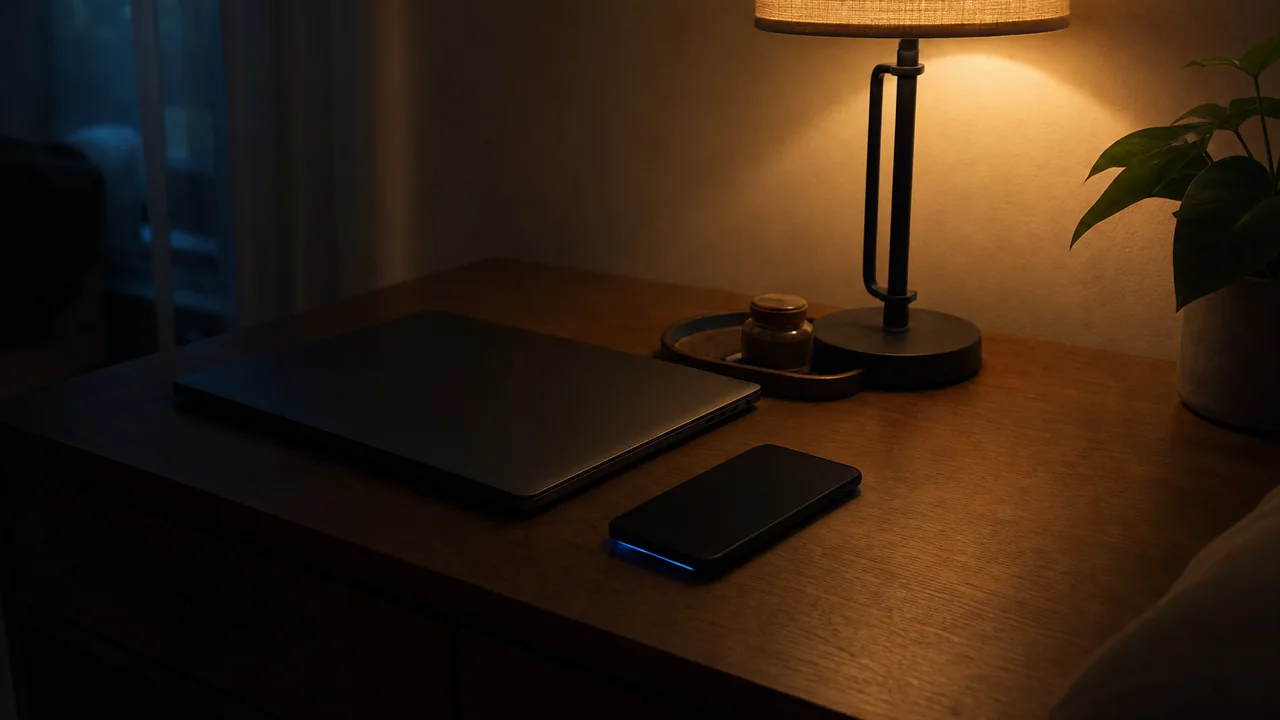
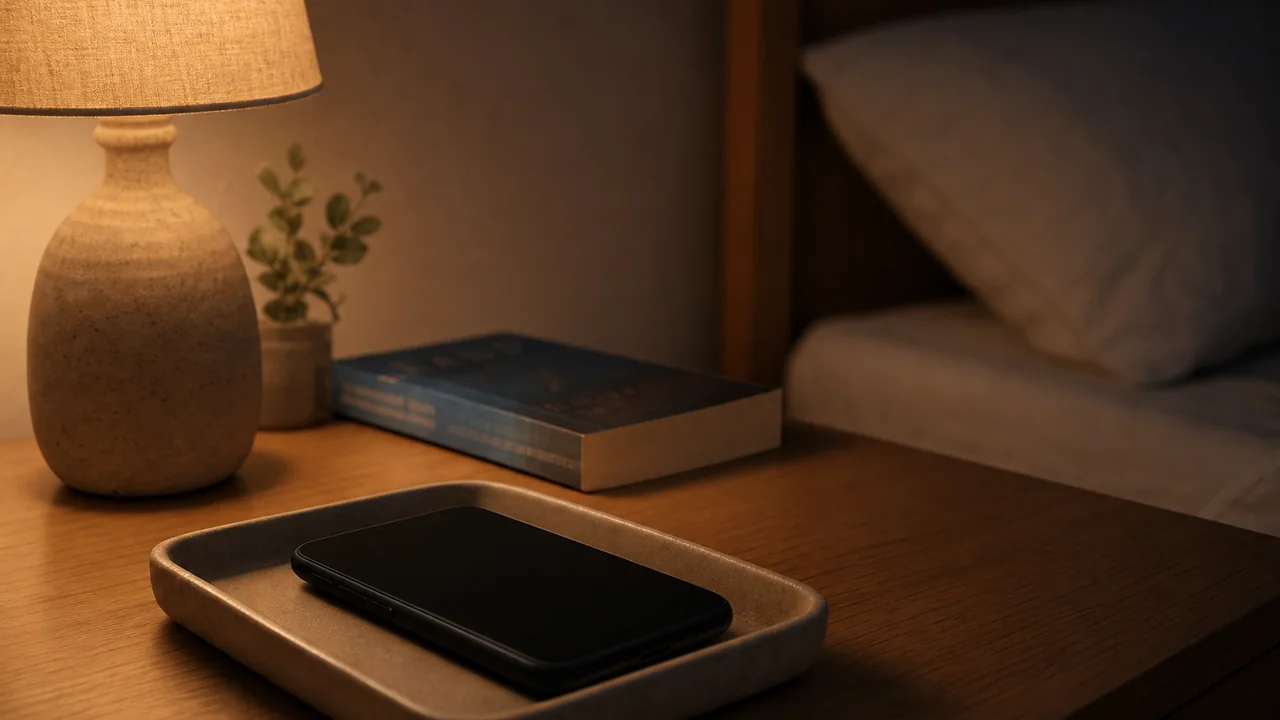
Use it when you already know roughly when you want to sleep but need a calmer final hour. The output keeps the first action simple: end bright light, move the phone out of the pillow zone, then let the last warm light drop gradually.
It avoids exact biological claims. A bedside routine depends on brightness, distance, habit, stress and the room itself, so the result is a planning band rather than a measurement.
Run the tool, choose one change, repeat it for two or three nights, then compare the room notes. A repeated pattern is more useful than one perfect-looking number.
Bedroom sleep context
This page sits in the screen-boundary cluster. It treats blue light as one part of a wider evening exposure pattern: brightness, distance, content, room light and whether the device keeps the brain in work or scrolling mode.
Practical inputs to compare: Measure hours after 7pm, device type, distance from the face, room lighting and the latest realistic stop time.
How to read the result: Treat these inputs as a bedroom pattern, not a one-night verdict. If the same cue shows up on several ordinary nights, the next change is easier to choose and easier to reverse if it does not help.
- blue light
- screen brightness
- phone distance
- night mode
- active scrolling
- screen cut-off
- close-range device use
- bedside charging
Keep it narrow: Do not change lamp type, screen cut-off, bedding, window opening and wake time on the same night. Hold the other cues steady so the page stays linked to one room question.